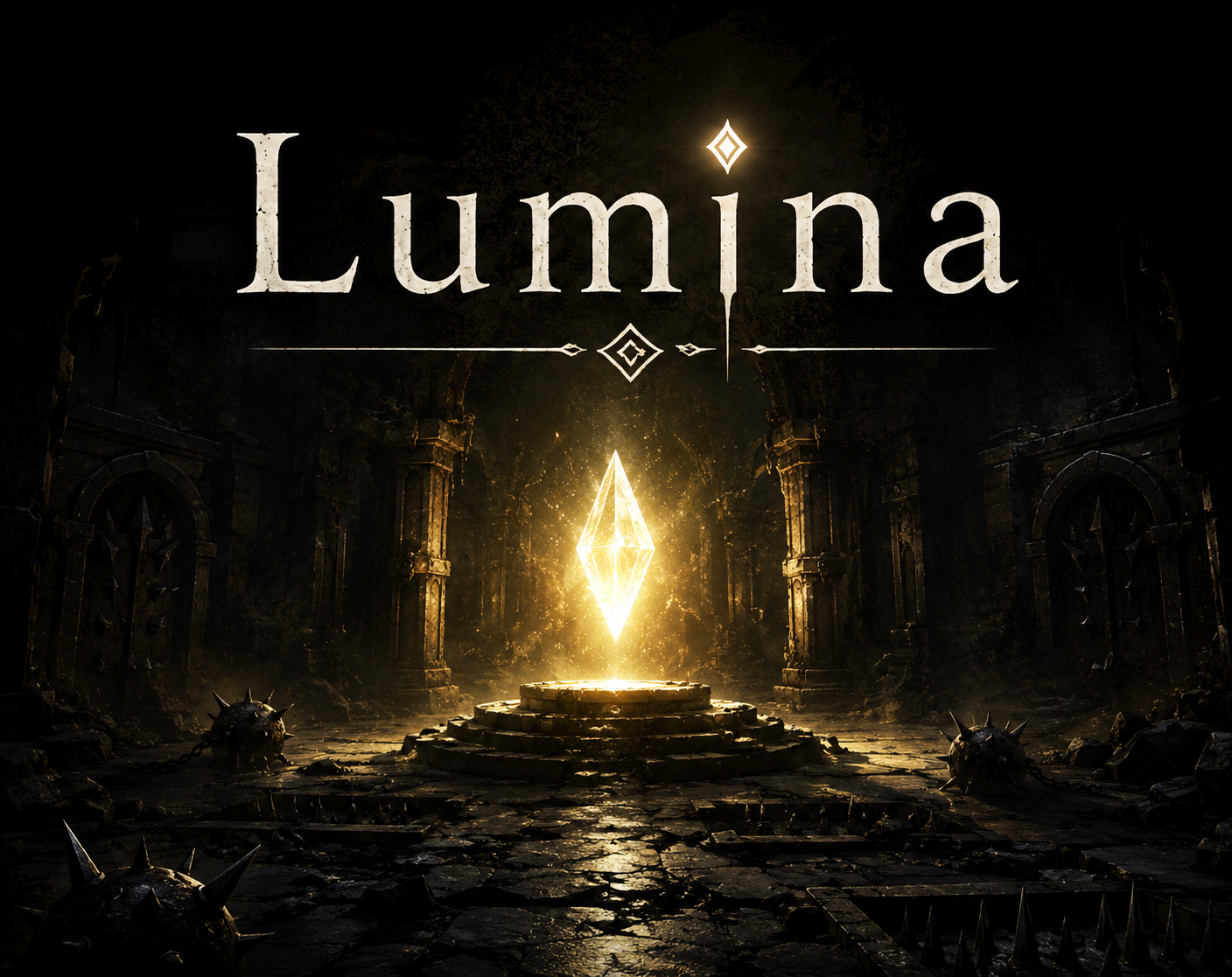
Lumina
A downloadable Lumina for Windows, macOS, and Linux
Lumina is a dark fantasy puzzle game where light is both your greatest tool and your biggest danger. Collect light to reveal paths, levers, and exits, but be careful: the more light you carry, the more the world turns against you. Mines activate, doors close, and safe routes become deadly.
Manage your light carefully, explore the darkness, and learn that sometimes having more makes everything worse.
Download
Install instructions
Here’s a ready-to-paste Download & install instructions section for Windows, Linux, and macOS:
Download & Install Instructions
Thank you for downloading Lumina.
After downloading the game, follow the instructions for your operating system below.
Windows
- Download the Windows version of the game.
- Extract the downloaded
.zipfile. - Open the extracted folder.
- Double-click
Lumina.exeto start the game.
If Windows shows a security warning, choose More info and then Run anyway. This can happen with new indie games that are not yet widely recognized by Windows SmartScreen.
Linux
- Download the Linux version of the game.
- Extract the downloaded
.zipfile. - Open the extracted folder.
- If needed, give the game permission to run:
chmod +x Lumina.x86_64
- Start the game by double-clicking the executable or running:
./Lumina.x86_64
Some Linux distributions may require basic graphics drivers or libraries to be installed. Make sure your system is up to date and that your GPU drivers are installed.
macOS
- Download the macOS version of the game.
- Extract the downloaded
.zipfile. - Open the extracted folder.
- Drag Lumina.app into your Applications folder, or run it directly from the extracted folder.
- Double-click Lumina.app to start the game.
If macOS says the app cannot be opened because it is from an unidentified developer, right-click or Control-click Lumina.app, choose Open, then confirm by clicking Open again.
Requirements
No additional libraries or programs are required to play Lumina.
For the best experience, make sure your operating system is up to date and your graphics drivers are installed.